
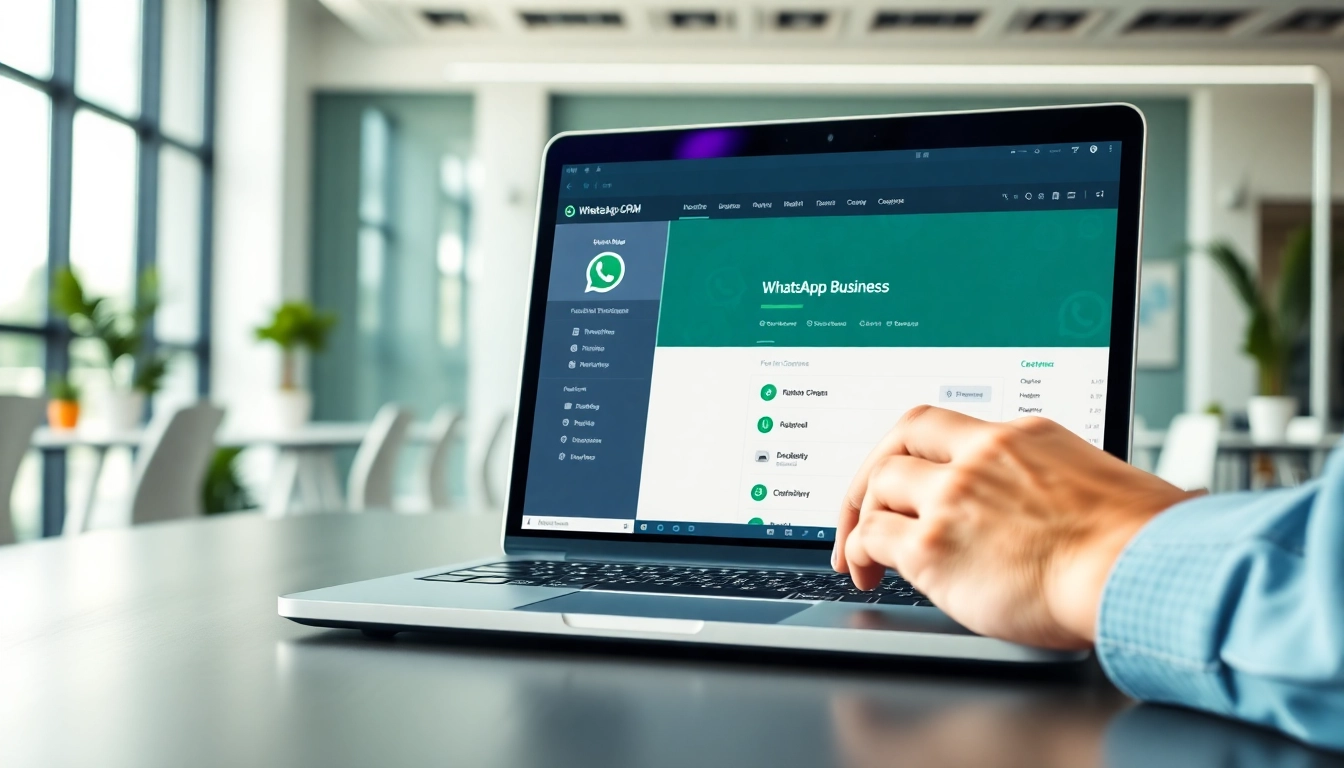
Understanding WhatsApp Business CRM
What is WhatsApp Business CRM?
WhatsApp Business CRM is a specialized customer relationship management tool tailored for WhatsApp Business accounts. This platform allows businesses to manage customer interactions seamlessly using the widely popular messaging app. By leveraging the popularity of WhatsApp, companies can enhance their communication strategies, nurture customer relationships, and optimize their customer support processes. This CRM focuses on streamlining communications, organizing customer information, and providing a centralized platform to manage contacts and interactions, all within an environment familiar to users. For businesses seeking a more interactive and direct method of engaging with customers, integrating a WhatsApp Business CRM can be invaluable.
Key Features of WhatsApp Business CRM
The features of WhatsApp Business CRM are designed to elevate customer engagement and streamline business operations. Some of the most significant features include:
- Automated Messaging: Set up automated greetings, replies, and away messages to engage customers even when you are unavailable.
- Customer Segmentation: Organize and categorize your customers and leads based on behavior, needs, and demographics, ensuring personalized communication.
- Message Templates: Create reusable message templates for common inquiries, which helps in speeding up responses without losing personalization.
- Interaction Analytics: Monitor customer interactions and engagements to assess which strategies yield the best results.
- Multimedia Support: Share images, videos, documents, and more to provide a richer customer experience.
Benefits of Using WhatsApp Business CRM
Employing a WhatsApp Business CRM offers a multitude of benefits that resonate with businesses of all sizes. Key advantages include:
- Enhanced Customer Engagement: Direct interaction through WhatsApp fosters a sense of immediacy and personal connection, which enhances customer satisfaction.
- Increased Efficiency: Automating responses and organizing customer data saves time and allows teams to focus on more complex queries.
- Cost-Effective Communication: Compared to traditional methods, WhatsApp offers a low-cost alternative for reaching customers.
- Real-Time Interaction: Immediate communication helps address customer inquiries promptly, reducing loss of engagement.
- Data-Driven Insights: Analyze customer behavior and preferences to make informed decisions that improve products and services.
Setting Up WhatsApp Business CRM
Installation Steps for WhatsApp Business CRM
Setting up WhatsApp Business CRM is a straightforward affair. Follow these steps for a smooth installation:
- Download WhatsApp Business: Obtain the application from your device’s app store.
- Register Your Business Number: Use your business phone number to set up an account, ensuring it’s a number not associated with any personal account.
- Create Your Business Profile: Fill out your business details including name, address, description, and website to enhance discoverability.
- Explore CRM Features: Familiarize yourself with the various functionalities offered within the CRM, including messaging tools and customer management.
- Integrate With Other Systems: If applicable, connect your CRM to existing software to streamline your operations.
Integrating With Existing Tools
Integrating WhatsApp Business CRM with existing business tools is crucial for creating a cohesive operational environment. Several methods to facilitate integration include:
- APIs: Utilize Application Programming Interfaces to connect WhatsApp Business CRM with platforms such as sales pipelines, email systems, and customer databases.
- Third-Party Tools: Implement third-party integration services that can bridge communication across various tools effectively.
- Custom Solutions: Depending on technical capabilities, custom solutions can be developed to cater to specific business needs.
User Management for WhatsApp Business CRM
Effective user management is pivotal to the success of WhatsApp Business CRM implementation. To optimize teamwork and communication:
- Assign Roles: Define roles and responsibilities for team members to clarify expectations and improve accountability.
- User Training: Train staff on how to utilize the CRM effectively, covering aspects like messaging, analytics, and customer segmentation.
- Monitor Performance: Regularly assess user performance to identify strengths, weaknesses, and areas for improvement.
Utilizing WhatsApp Business CRM Effectively
Creating Customer Profiles
Creating detailed customer profiles is fundamental to effective customer relationship management. This process involves:
- Gathering customer information such as contact details, purchase history, and preferences.
- Maintaining updated records to reflect changes in customer behavior and needs.
- Utilizing customer profiles to tailor marketing efforts and communications, ensuring a personalized experience.
Tracking Customer Interactions
Tracking customer interactions allows businesses to build comprehensive insights into customer engagement. Use WhatsApp Business CRM features to:
- Log all communications in a centralized database for easy reference.
- Analyze interaction frequency to identify highly engaged customers and those who require re-engagement.
- Utilize feedback for ongoing improvements in customer service and support processes.
Automating Responses in WhatsApp Business CRM
Automation plays a significant role in enhancing efficiency. Implement automated responses for:
- Common inquiries such as business hours, FAQs, and location details, freeing up team members for more complex issues.
- Follow-ups on customer inquiries, ensuring no lead goes unattended.
- Notifications for promotions or important updates, keeping customers in the loop.
Measuring Success with WhatsApp Business CRM
Key Performance Indicators (KPIs)
To assess the effectiveness of WhatsApp Business CRM, identify and monitor key performance indicators such as:
- Response Time: Measure how quickly your team responds to customer inquiries, aiming for shorter response times.
- Customer Satisfaction Score: Utilize surveys post-interaction to gauge customer satisfaction and areas for improvement.
- Engagement Rates: Analyze how often customers engage with messages sent through the CRM to evaluate content effectiveness.
Analyzing Customer Feedback
Customer feedback is invaluable for refining services and understanding customer needs. Consider the following strategies:
- Implement feedback loops via surveys and direct communication for continuous insight.
- Analyze feedback trends to identify recurring issues or popular features, informing future strategies.
- Act promptly on constructive criticism to demonstrate responsiveness and commitment to improvement.
Continuous Improvement Strategies
To ensure ongoing improvement with WhatsApp Business CRM, consider adopting a continuous improvement philosophy by:
- Regularly reviewing analytics and performance metrics to identify successful strategies and areas needing refinement.
- Staying updated with new features and best practices associated with WhatsApp Business CRM and adjusting strategies accordingly.
- Engaging in professional development and training opportunities to enhance team competencies in CRM management.
FAQs about WhatsApp Business CRM
What industries benefit from WhatsApp Business CRM?
WhatsApp Business CRM is beneficial for various industries, including retail, hospitality, healthcare, and education, enhancing communication and customer engagement.
Can I integrate WhatsApp Business CRM with my website?
Yes, WhatsApp Business CRM can be seamlessly integrated with your website, allowing customers to connect with you directly through your site.
How secure is my data with WhatsApp Business CRM?
WhatsApp Business CRM employs strong encryption and security protocols to ensure that your data remains secure and private.
Is training necessary for using WhatsApp Business CRM?
While not mandatory, training is recommended to maximize the effective use of all features and ensure your team can leverage the CRM fully.
What support options are available for WhatsApp Business CRM?
WhatsApp Business CRM typically offers various support options, including online resources, customer support channels, and community forums for troubleshooting.